Controller players are dominating games like Call of Duty, Fortnite, and Battlefield. Playing on a pad is now a high-performance choice, and many players are migrating from mouse and keyboard just to leverage the aim assist built into today’s top FPS titles.
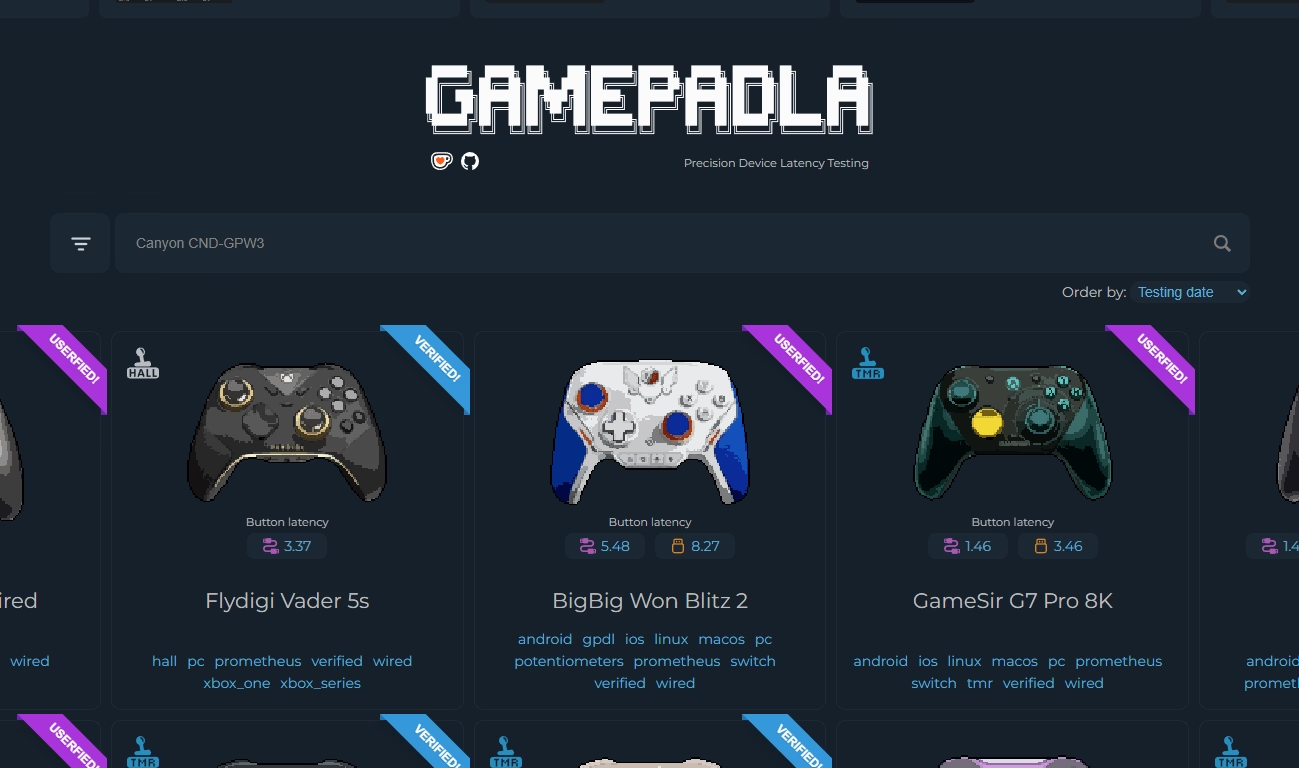
We aren’t here to debate aim assist, though. We’re here to look at a tool that changes how you evaluate and choose your hardware: Gamepadla. This site provides ultra-detailed specs on almost every controller available.
Gamepadla
Gamepadla relies on a strict database built from measurement software created by the community and developer John Punch. You can select popular controllers from brands like 8BitDo, Flydigi, and Gamesir, pull up the technical data, and compare them side-by-side.
Let’s look at the Flydigi Direwolf 4 to see how it works.

This chart compares Input Lag—the delay between pressing a button and the action happening on screen. In FPS games, milliseconds win or lose gunfights.
The graph splits button latency (blue) from analog latency (purple) across different connection types. The Direwolf 4’s data proves a golden rule in the competitive scene: do not use Bluetooth. Wired analog delay sits around 9 to 10 milliseconds, but Bluetooth spikes that delay to 33 to 38 milliseconds.
Beyond the Basics
The site also tests analog stick quality, which dictates your aim precision. The test results below highlight several key technical specs for your hardware.

Starting with Circularity/Asymmetry, these graphs show whether the stick can trace a perfect circle. Irregular tracing means inconsistent aim, which compromises performance during moments that demand extreme precision.
Regarding Dead Zones, the site reveals if the controller has factory dead zones. FPS players need the lowest dead zone possible for a responsive stick, especially for micro-movements.
As for Stick Centering, this data shows how accurately the stick returns to absolute center when released. Lower percentages (here, 2.1% left and 1.2% right) mean less risk of stick drift. Better centering lets you safely lower your in-game dead zone without the stick moving on its own.
Finally, Stick Bitness indicates the sensor’s resolution (10-bit in this example). Higher bitness means the controller reads more levels of sensitivity from your thumb’s micro-movements.
Conclusion
For competitive FPS players, the controller is an extension of the body. Gamepadla cuts through the marketing and gives you the raw data necessary to understand your hardware and pick the model that actually performs best for you.
